Instead of deleting gmail right away I am forwarding all mails to the new inbox for now (and deleting them in gmail)
Soverin setup
I chose Soverin as an email provider mainly because I like their style,
that they are hosting servers in EU with Green energy in mind and their privacy manifesto. (if you want to check other providers see Appendix 1)
If you have any questions about the privacy or setup they probably answered it already in their FAQ.
For more detailed questions visit their Help site which is really great.
As part of the setup you will need to either
have own domain
buy a domain with Soverin
If you have your own domain as I did you will need to set up DNS records:
TXT records so Soverin knows you own the domain
CNAME and MX records so you can send and receive mail
Since I bought my domain on GoDaddy which is from US and wanted to switch to EU company I later moved the domain to Soverin.
If you don't have a domain yet I recommend you to get it via Soverin, it will save you some time with setting up DNS records.
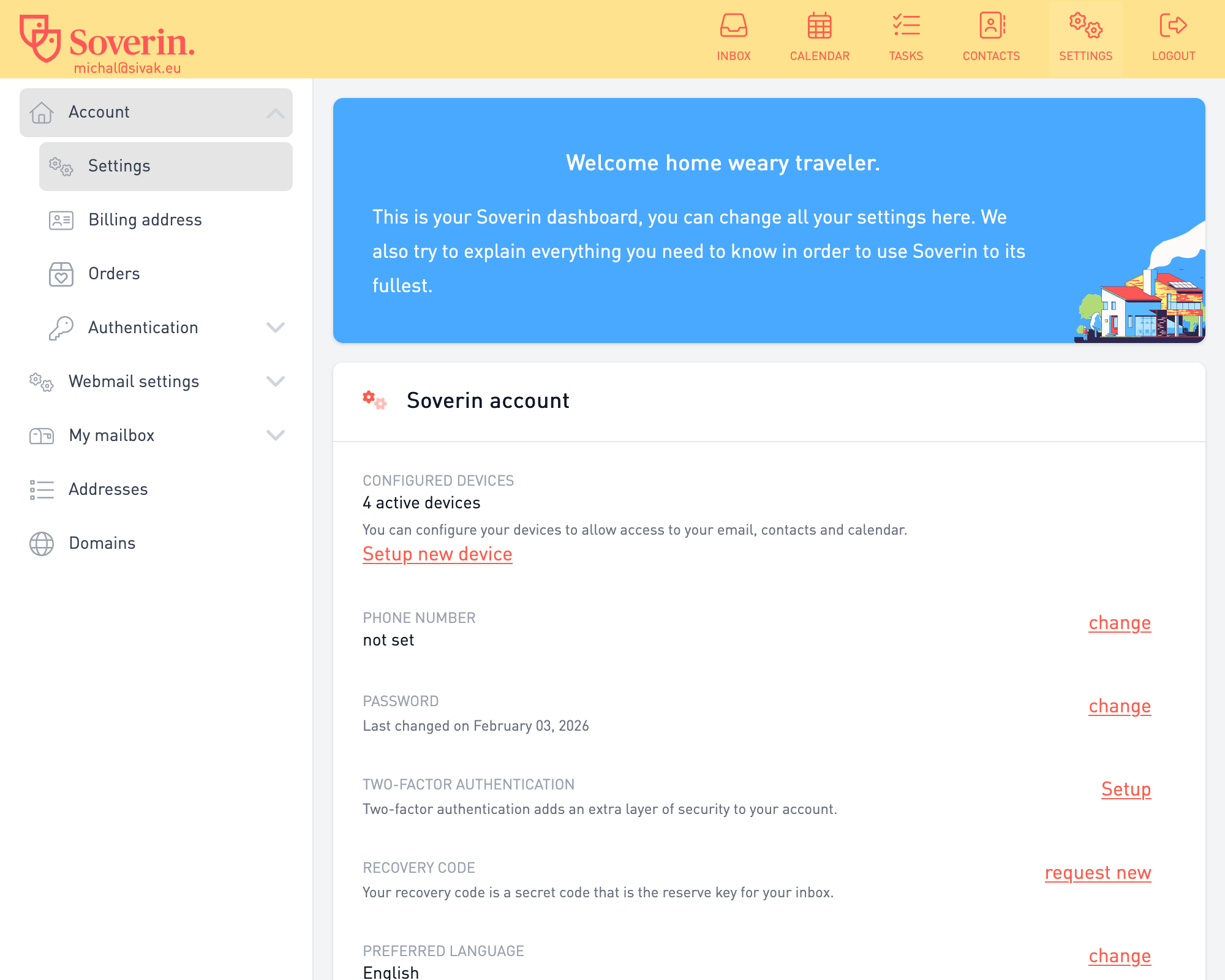
Once I went through the process of registering with Soverin (and having correct DNS records) I saw something like this:
then on the top right there is a menu:
And that's it. My Soverin account is working, and I have my mail, calendar and contacts ready to go.
Notes
I would like to pinpoint some of my cool findings here:
You can setup how many aliases you want in settings/addresses or settings/domains/aliases, more on that here.
If you want to create another account (with its own password) for somebody you can just create a mailbox, more info here.
If you want you can set up catch-all-address which will get all emails sent to non-assigned addresses.
For example, you don't have info@example.eu account and your main account is main@example.eu
→ if somebody sends an email to info address, it will arrive in main@example.eu. Pretty great stuff, read about it here.
You can set up your own DNS records even if you have your domain registered with Soverin. For example my blog.sivak.euCNAME record points to my own server's IP address, how to set it up.
Which clients to use
At this point I had my Soverin account active and ready. But I like to use a desktop client (and mobile app) instead of browser app. This is 100% about your own style so feel free to use Soverin's browser apps.
Desktop
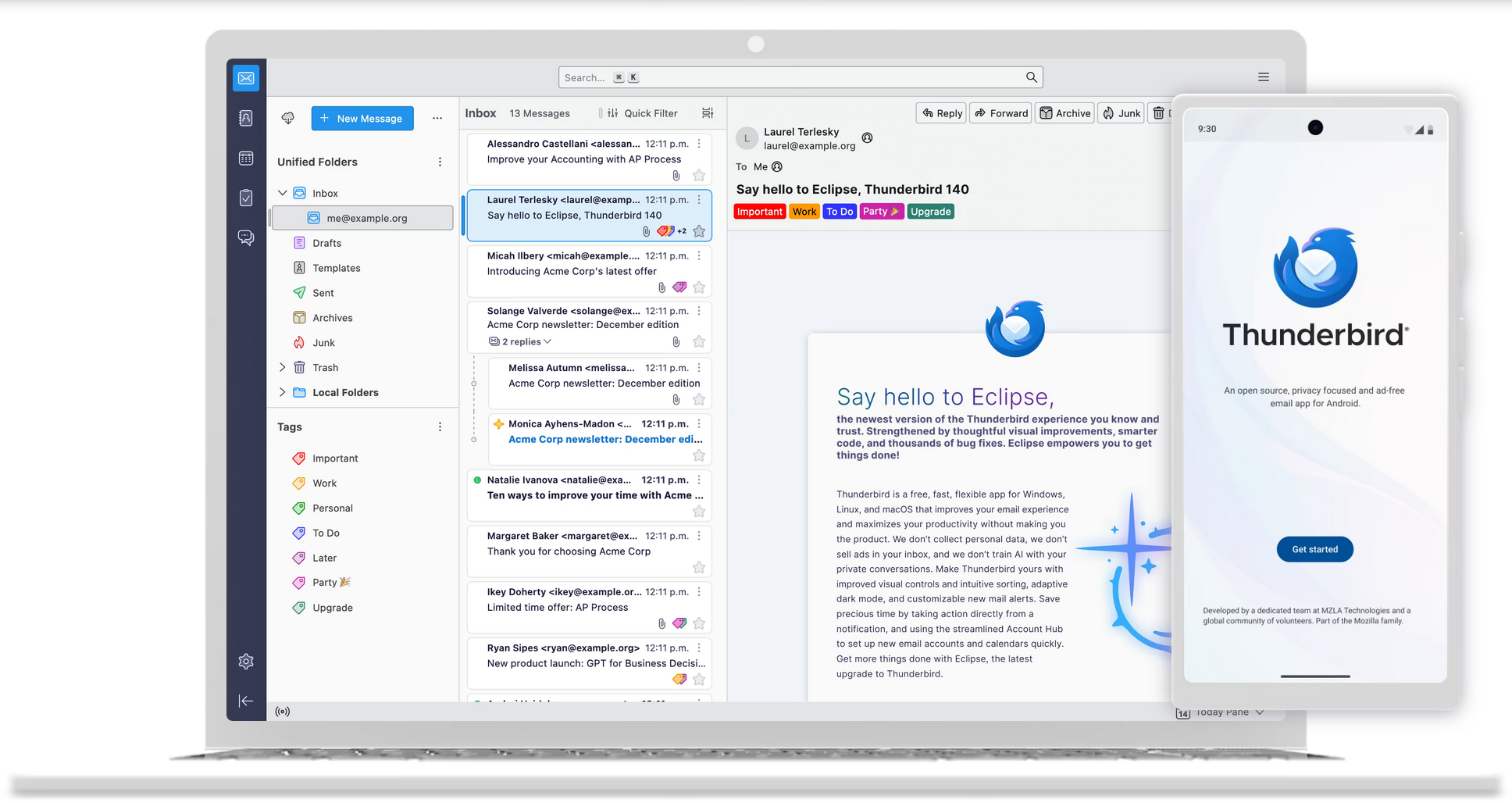
Since I like open-source I went with Thunderbird, it exists from 2003, has a big community and looks nice.
Setup was straightforward, you just need IMAP and SMTP config for Soverin which you can find here.
Android phone
Even though Thunderbird is working on their mobile app I found it little basic (active development is ongoing, so I will try it soon again). Plus notifications were not 100% working when I tried it.
Instead, I used eM client which is from the Czech Republic, has calendar and contacts sync and works well. They have a free license for personal use, but they are not open-source. (That's why I will try thunderbird in the future again).
Another neat thing I did is that I installed DAVx5 which is open-source CalDAV/CardDAV software.
CalDAV is a protocol to sync calendars. CardDAV is also a protocol but to sync contacts. Both of these Soverin supports.
With this app you can sync your account to the mobile device and see your calendar and contacts in mobile apps. I installed Fossify stack, and now I have all my data also in my mobile phone automatically synced.
Get old mails from gmail
I was afraid of this step initially since I wasn't sure if Google won't try to make it as hard as possible.
But fortunately google has takeout.google.com service and soverin has a detailed guide how to export from gmail (they know their audience).
Since I used Thunderbird already I went with Option 3 in soverin guide which means I installed
ImportExportTools NG add-on to my Thunderbird, downloaded MBOX file from google takeout and imported it.
Be aware, import works only for local folders, you cannot import directly to soverin account. I imported all mail to my import/gmail folder in Local Folders and then moved that folder to soverin account (drag-n-drop in thunderbird client).
Same for contacts, I downloaded vCard files from google takeout and imported them in Thunderbird.
Set up forwarding on gmail
But what about your old mail you ask! At this point I had 2 email addreses - gmail and soverin. And it would be a mess if I tried to use both of them, so I set up email forwarding on google.
Of course in ideal non-existing world you would just ditch your old gmail, but it doesn't work like that.
Your friends, colleagues and relatives probably have that email address, you are registered with that email on multiple websites, etc.
My goal was simple: Set up email forwarding and try to change my email everywhere in the meantime. Probably in a few months my old email won't be used that much, and I will be able to delete it/stop using it.
Once you have all your old emails with soverin, you can delete them from google
(so they cannot read them with AI for instance) and for email forwarding you can set up
forward-and-delete strategy which deletes the mail once it is forwarded.
At this stage I have all my mails saved on soverin account and gmail is being forwarded to my new address.
On gmail I have 0 mails since I deleted the old ones and new ones are deleted once they are forwarded.
Summary
That's it, that was my path to sovereign email. As you can see it is not that hard as it would seem,
and the price is also not that bad (~€52/per year with custom domain). You get privacy, sovereignty from US Big Tech and peace of mind that your mail won't be read and stolen by AI crawlers.
If you will be using Thunderbird, DAVx5 or any other open-source free software, please think about
supporting them via donation.
If you have any questions, or you need help with anything, feel free to contact me at blog@sivak.eu.
Appendix 1
Even though I am using Soverin, you can use whatever provider you want. Checkout either many options here at european-alternatives.eu website or my table below where I listed some of the choices.
Disclaimer: I am not affiliated with these providers and data I've found could change. Do your own research.